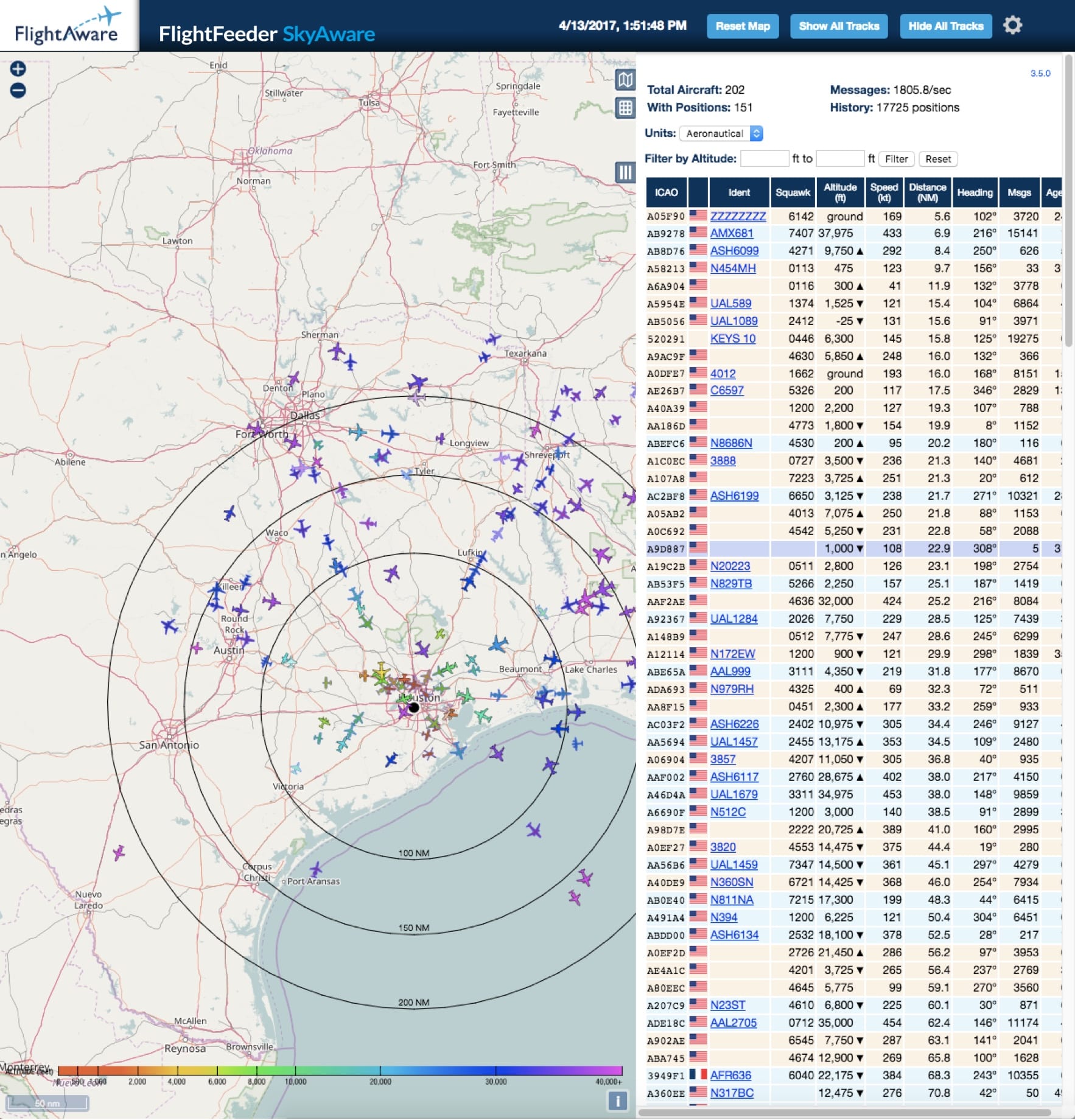
Sie sollten ungefähr vier bis fünf Minuten während des Starts Ihres PiAware warten und können dann Ihren FlightAware Account mit ihrem PiAware Gerät verknüpfen, um von allen Vorteilen zu profitieren.
Manually claim your FlightFeeder device online through your FlightFeeder's IP address.
If you have command line access you can get the FlightFeeder's unique ID using the command: With the unique ID for the feeder you can enter it into the end of the URL below in place of the x's:
cat /var/cache/piaware/feeder_id
With the unique ID for the feeder you can enter it into the end of the URL below in place of the x's:
https://www.flightaware.com/adsb/piaware/claim/xxxxxxxx-xxxx-xxxx-xxxx-xxxxxxxx
Wird Ihr Gerät nach 5 Minuten immer noch nicht als "in Anspruch genommen" angezeigt, starten Sie das Gerät neu. Sollte das Problem weiterhin bestehen, überprüfen Sie (gegebenenfalls) die WLAN-Einstellungen. Schafft dies keine Abhilfe, wenden Sie sich bitte an den Support unter: ADSBsupport@FlightAware.com. Überprüfen Sie Ihre Seite "Statistiken" (siehe folgender Link), um zu bestätigen, dass das Gerät "in Anspruch genommen" wurde.